Dear Learners,
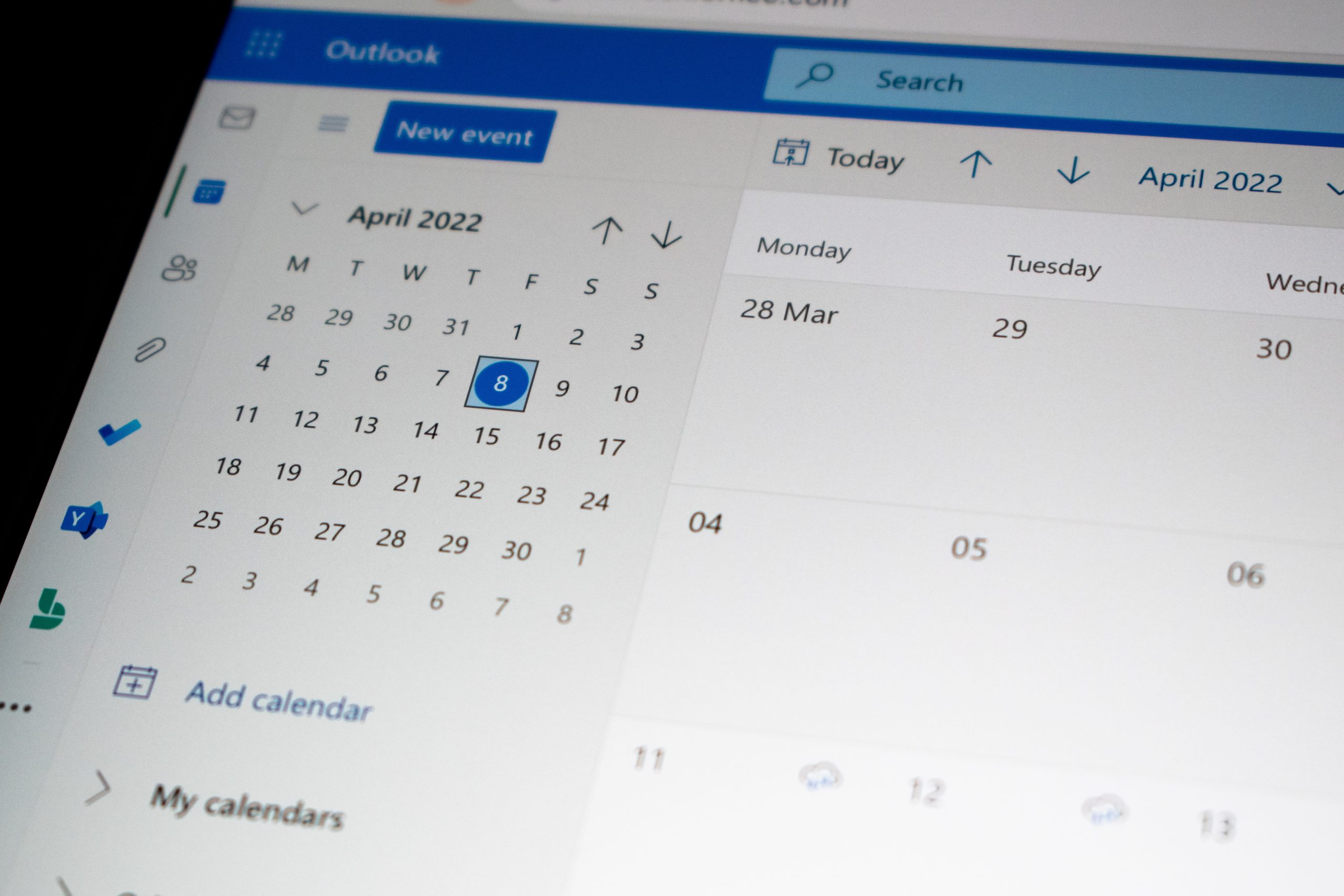
To help you stay organized, you can easily integrate your Moodle calendar with Outlook. Here’s how:
Option 1: Export Moodle Calendar to Outlook
- In Moodle, go to "Calendar".
- Click on "Export Calendar".
- Select the time period and events you want to export.
- Download the .ics file.
- In Outlook, go to "Calendar" > "Add Calendar" > "From File", then import the .ics file.
Option 2: Automatically Sync via URL
- In Moodle, go to "Calendar" and copy the export link.
- In Outlook, go to "Add Calendar" > "Subscribe via URL".
- Paste the Moodle calendar link and confirm. This will keep your calendar updated automatically.
You can check it out in the video here: